
.svg)
SVG Brush
Build vector-based brushes right in the browser.
A major challenge when translating web designs into web pages is figuring out how to recreate the same visual style with a completely different set of tools.
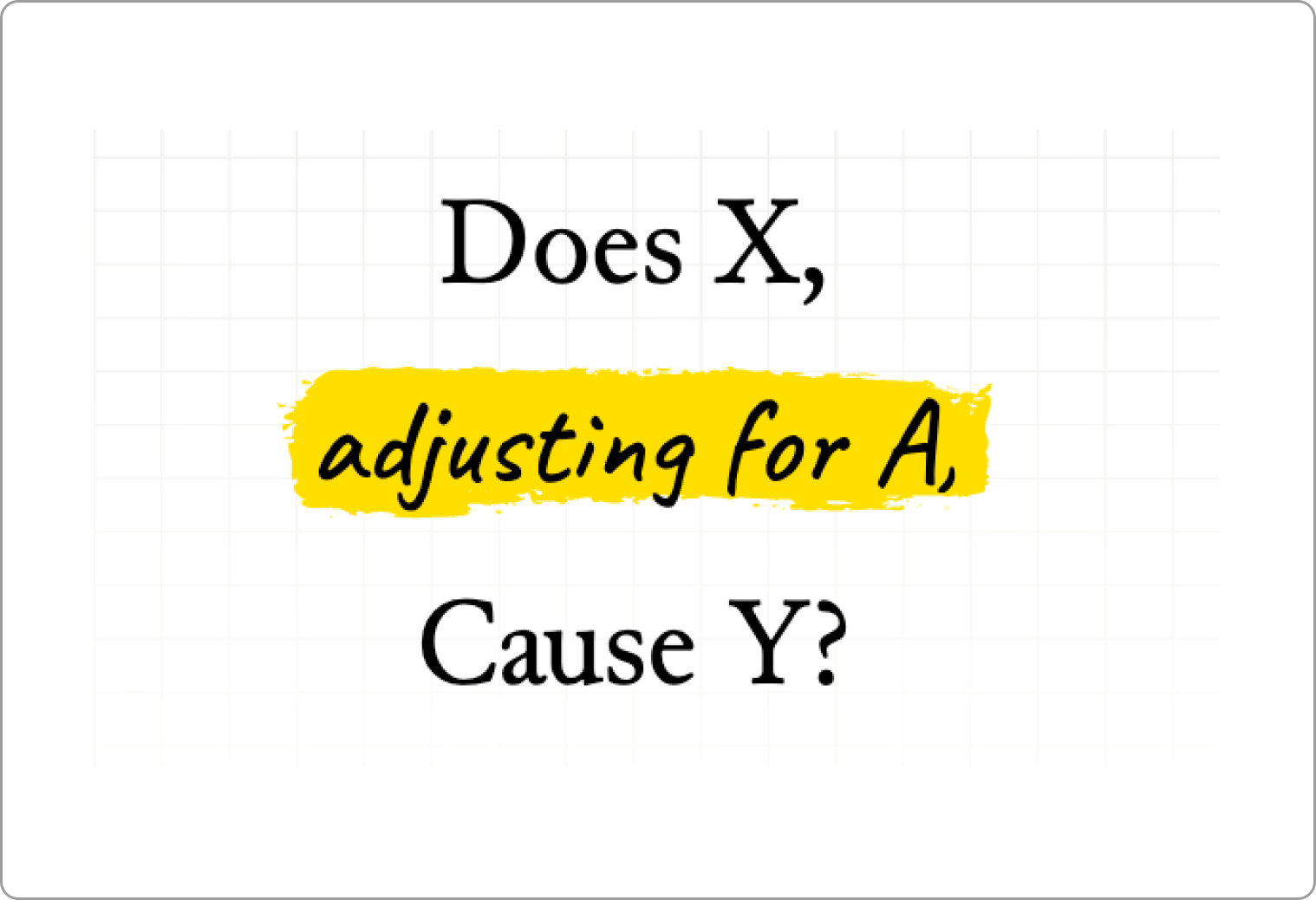
For our most recent story, Does X Cause Y?, which introduces causal inference through a gentle and approachable lens, we wanted the graphics to carry a hand-drawn, sketch-like style to add levity to the technical concepts. But as we began developing our Figma wireframes into code, we ran into a seemingly strange roadblock. There didn’t seem to be any existing technique to generate these brush strokes in JavaScript. We couldn’t just export them as static assets, because our data was dynamic. So the brush strokes had to be generated live.
Peeved by the idea that this simple desire had no solution, we built our own.
Reverse Engineering Figma Brushes (Sorta)
The first order of business was to figure out how Figma brushes actually work. Broadly speaking, digital graphics can be constructed in two ways: as rasters, which are made of fixed-resolution pixels, or vectors, which are mathematically generated along a set of points and curves.
Think of raster graphics as painting on a canvas: having control over each pixel on the screen allows you to capture rich detail, shading, and colors, but zooming in stretches those pixels out and causes blur or pixelation. Meanwhile, vector graphics function more like blueprints: instead of storing every pixel, they store the rules for drawing geometric shapes, which allows them to scale to any size while staying perfectly sharp.
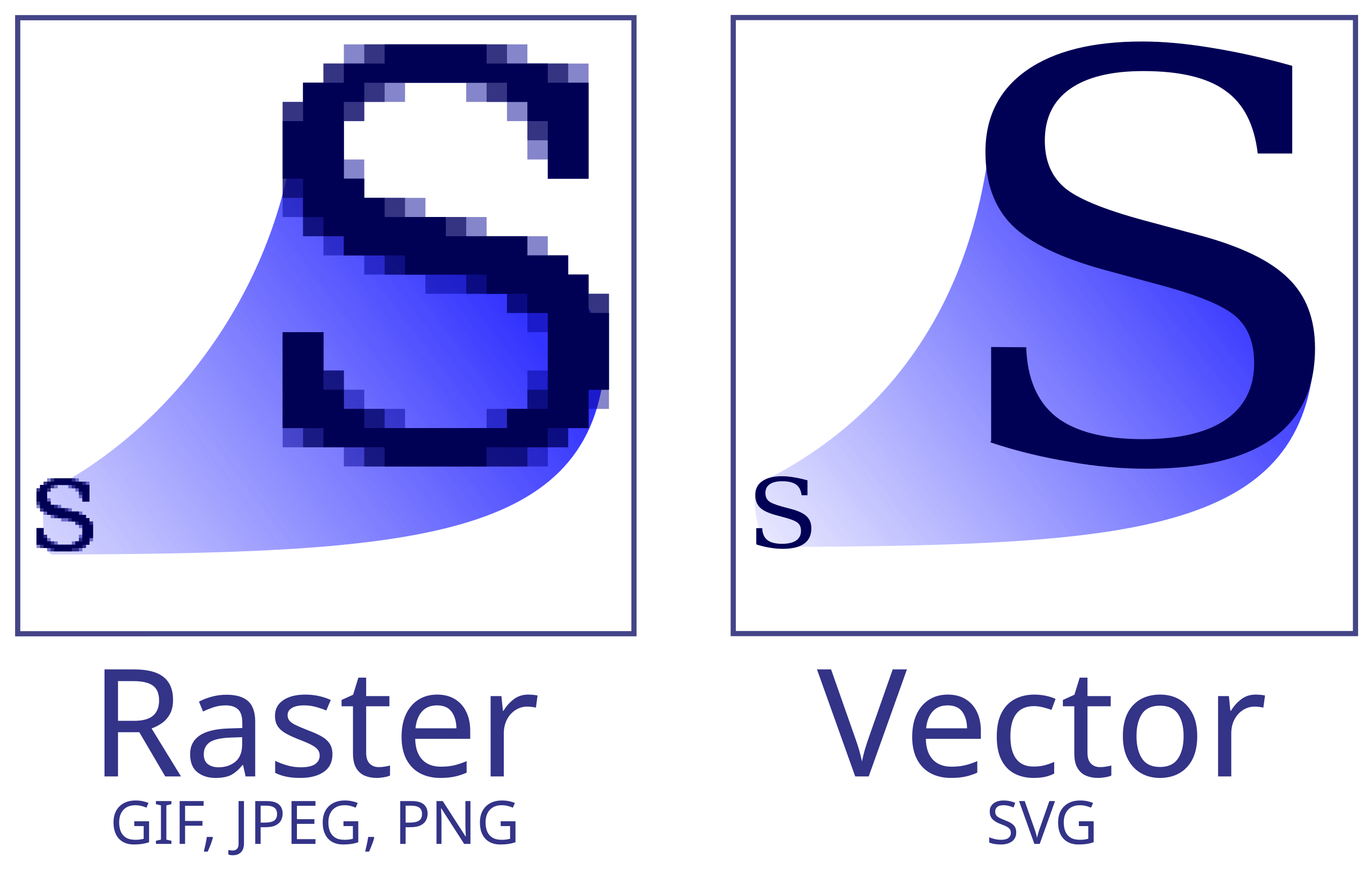
Most digital drawing software, like Microsoft Paint, Procreate, or Photoshop, are raster-based, which gives the user fine control over the brushes. But Figma brushes, we learned, are vector-based, which allows for precise programmatic control and more importantly, a direct mapping to SVG paths. If we could just figure out how Figma was generating these paths, we could replicate their system and generate those paths ourselves, on demand!
So we started by drawing a bunch of squiggly brush strokes. We noticed that longer uninterrupted strokes looked more stretched out than shorter ones. We also noticed two different strokes with the same length and path looked identical to each other. This quickly led us to our key insight that the “brush” was just a static template which was stretched, warped and bent over the underlying drawn path, which we call the “backbone”.
Building the Library
Once we figured out how Figma generates its brushes, we decided to apply the same approach when building our library for the web. We exported each brush definition, an SVG path drawn over a standardized backbone (a 100px straight line) for each brush available in Figma.
Then we just got to work with some computational geometry. That’s really just to make it sound fancy, but this is how the procedure roughly went:
- Identify all the points in the brush definition and their perpendiculars to the standardized backbone.
- Deform the standardized backbone to the desired output user backbone.
- Update the angles of all perpendiculars to ensure they are still perpendicular to the deformed backbone.
- Reconstruct the brush stroke using the updated position of the points from the original brush definition.
Applications
You can use the library to create sketch-like outlines:
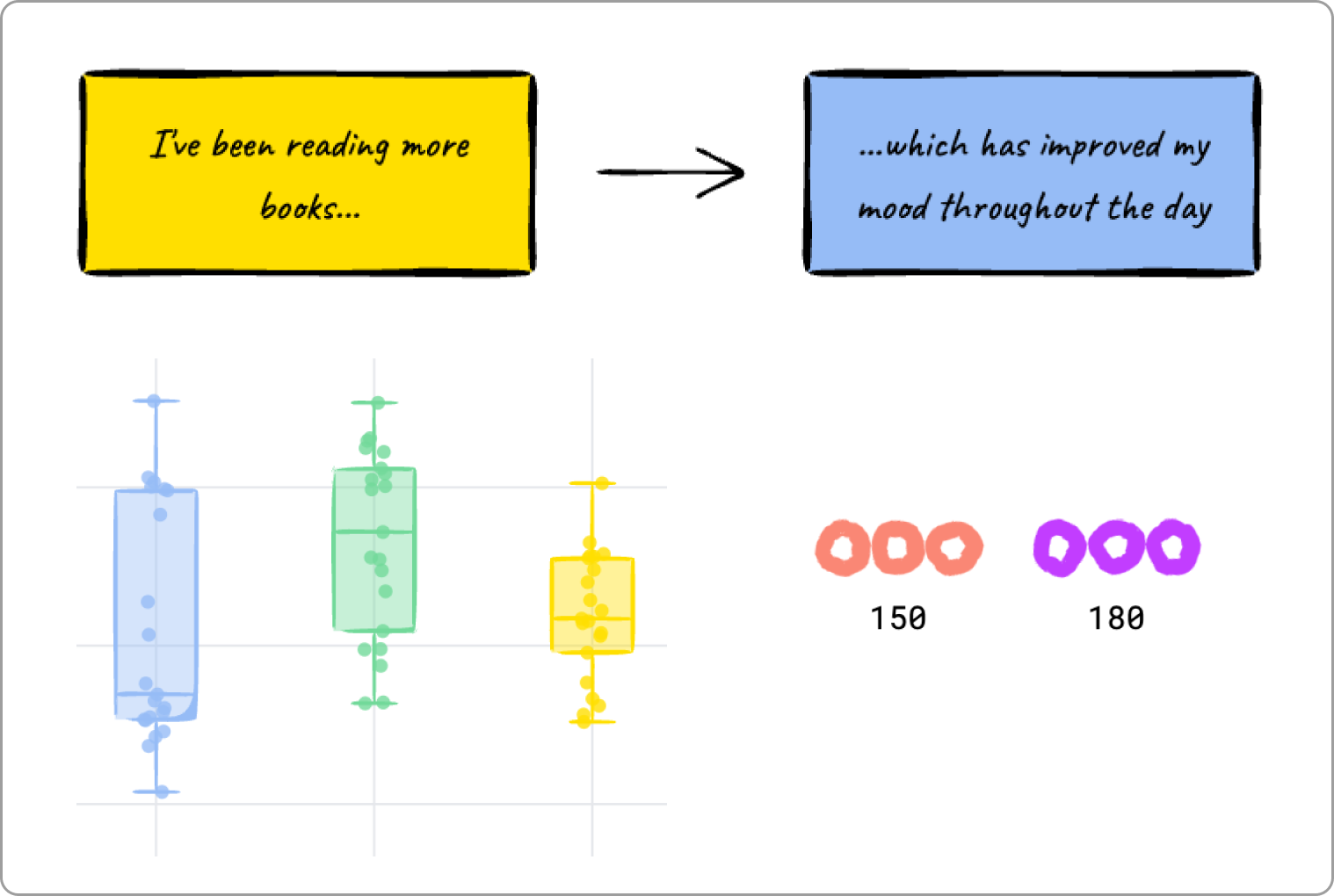
Or generate dynamic charts:
Play around with Figma brushes, or create your own:
The applications are endless!
If you try the library, we’d love your feedback, ideas, and weird experiments. This was a fun challenge for us, and we’re excited to see what others do with it.
Reach out at hello@citizencodex.com.
.svg)
.svg)






.svg)

.svg)

.svg)